Here is how I do it
-
1
Set up AI
ChatGPT or Claude
-
2
Set up common connections
The tools every business uses — Email, Excel, Calendars.
-
3
Create custom software
Dashboards, apps, and programs tailored to your company.
What I've Built
- Automation workflows
- Automating core data gathering
- Parsing
- Backend
- UI creation
- Websites
Live Demos
Don't take my word for it — try the tools yourself. These are real, working apps that run right in your browser. No sign-up, no install.
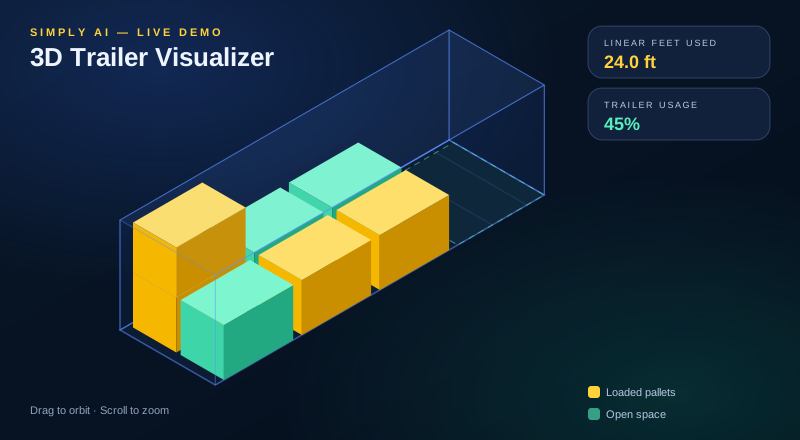
3D Trailer Visualizer
Enter trailer dimensions and pallet counts, then orbit a live 3D scene showing how freight fits and how many linear feet it uses.
Launch Demo
Inventory Manager
A working inventory app loaded with 100 sample shop parts — dashboard stats, low-stock alerts, search and sorting, plus add, edit, and stock adjustments that persist in your browser.
Launch Demo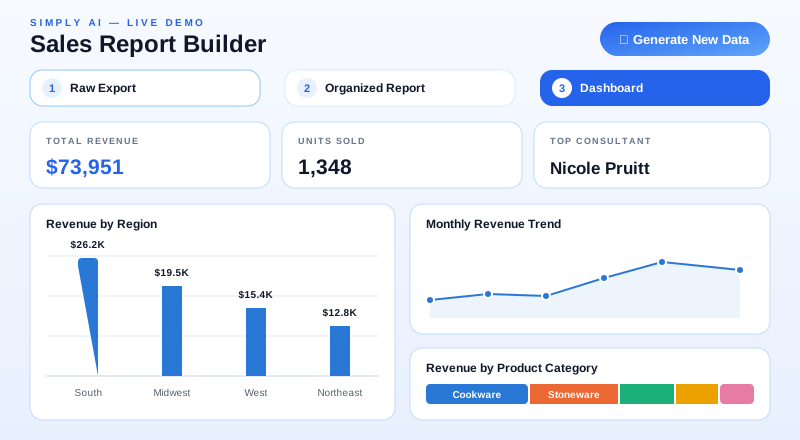
Sales Report Builder
A messy sales export gets cleaned, grouped by region and consultant with subtotals, then turned into a presentation-ready dashboard — regenerate the random data anytime.
Launch Demo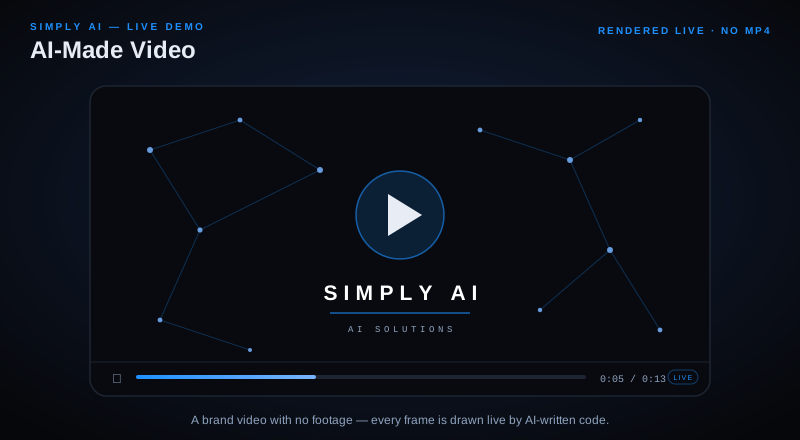
AI-Made Video
A short motion-graphics video built entirely with AI-written code — no footage, no editing software. Every particle, word, and transition is rendered live in your browser.
Launch DemoAI Work
Here are examples of operational tools, interfaces, and AI-driven systems I have built to support real business work.
Featured AI Projects
These examples highlight dashboard design, workflow automation, data review interfaces, and visual tools built to help teams move faster and make better decisions.
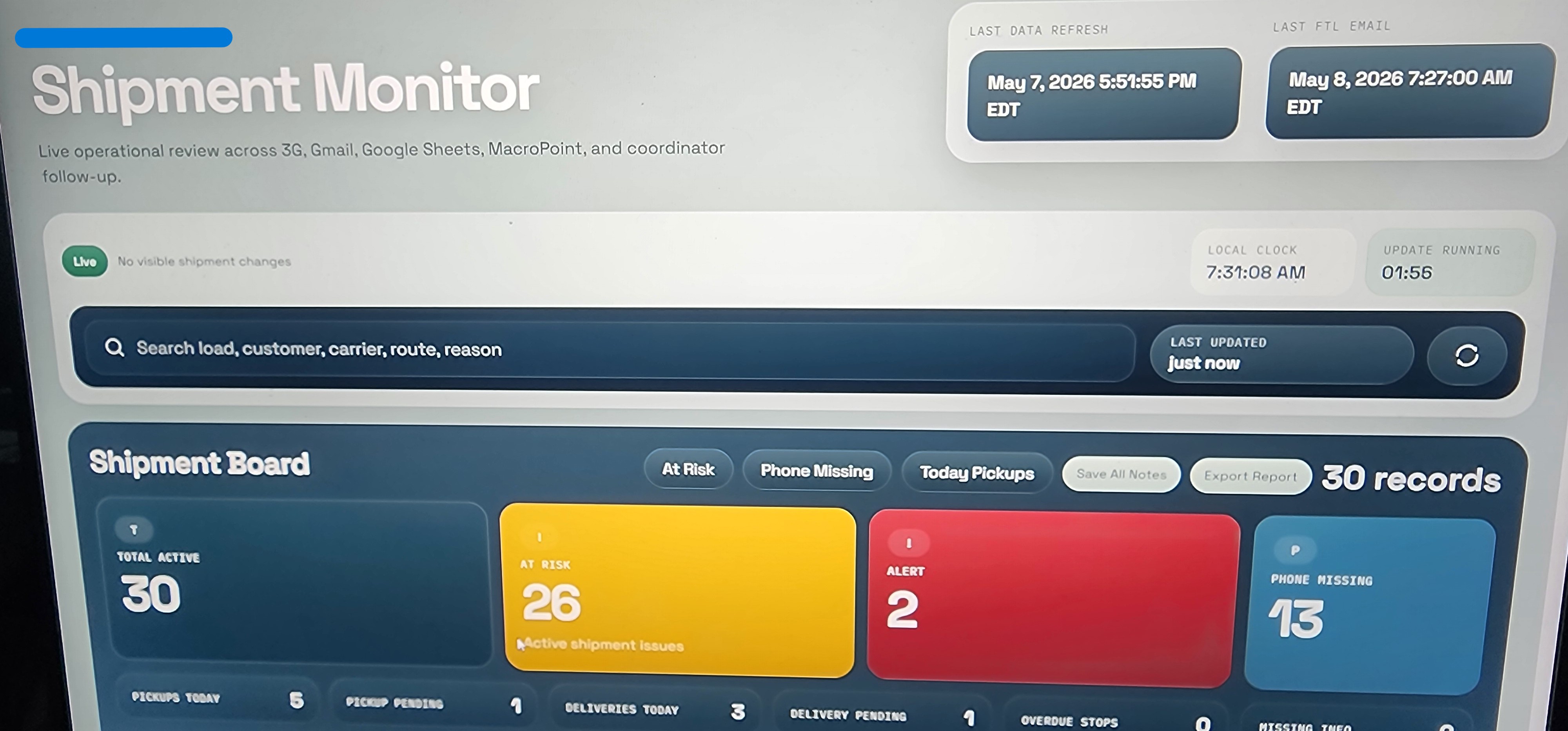
Shipment Monitor Dashboard
Live shipment monitoring interface built to surface issues, refresh data, and guide operational follow-up.
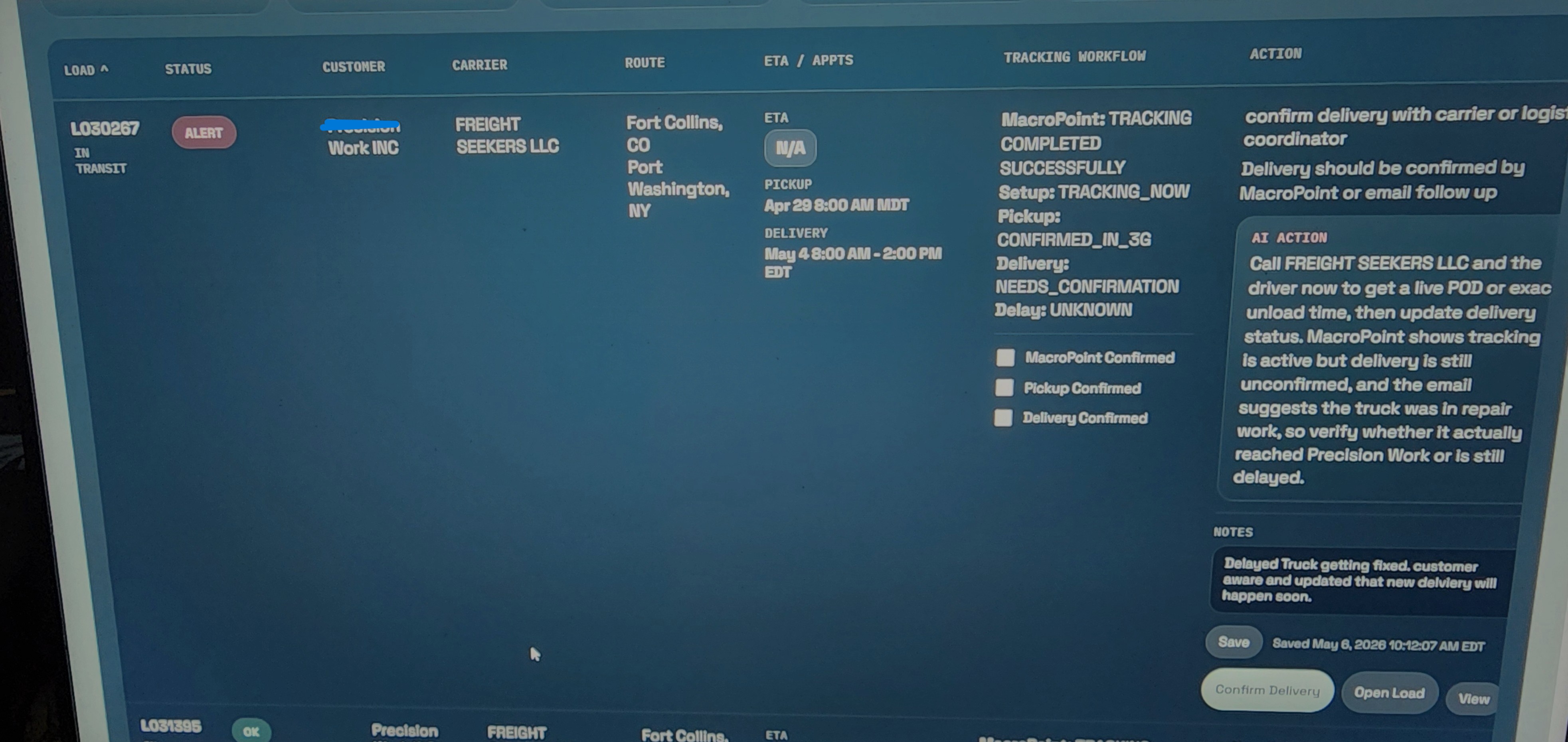
AI Action Workflow
Tracking workflow that combines shipment status, notes, and AI-generated next-step recommendations.
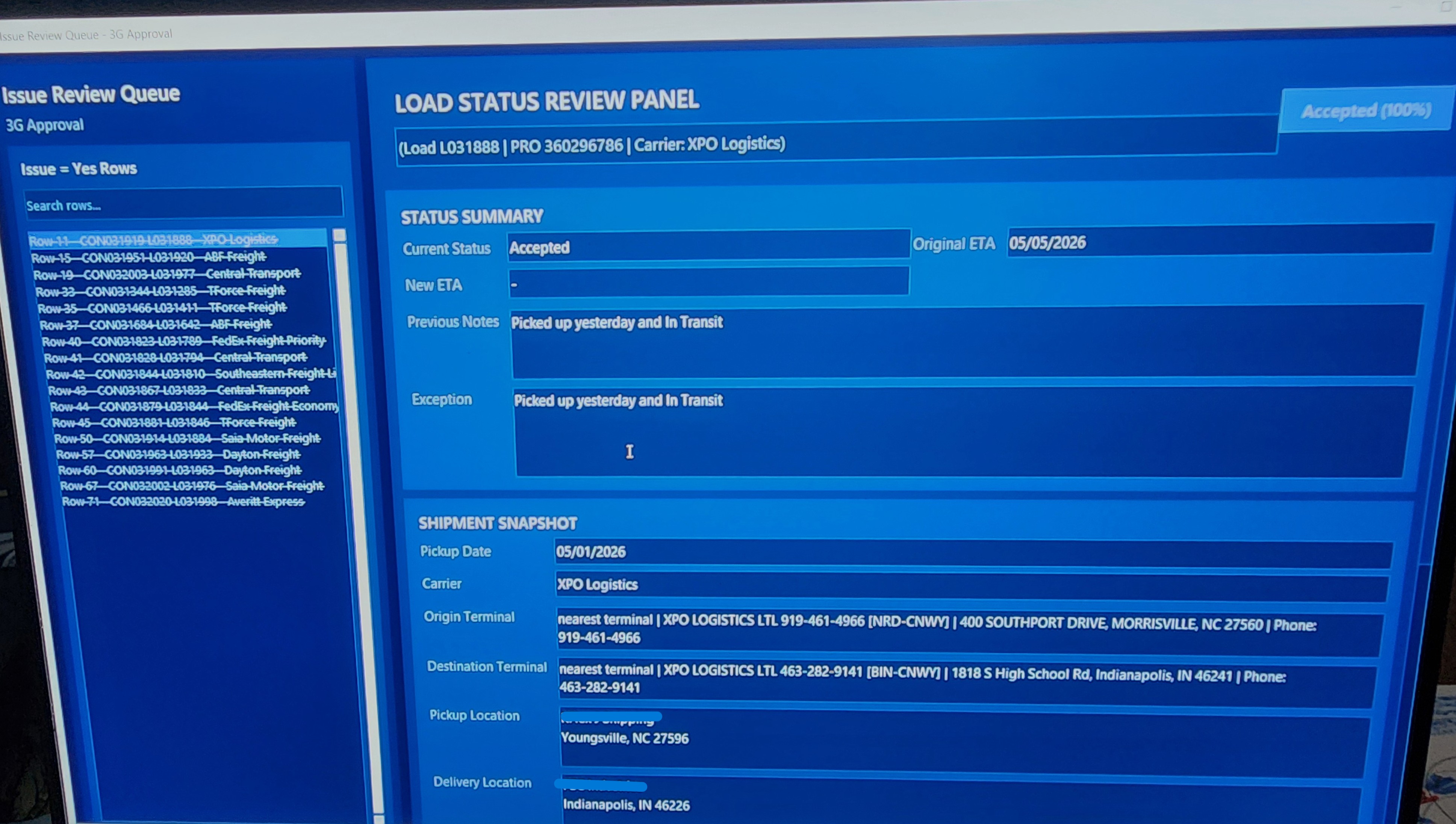
Review Queue Panel
Program interface for reviewing exceptions, carrier responses, and shipment details in one place.
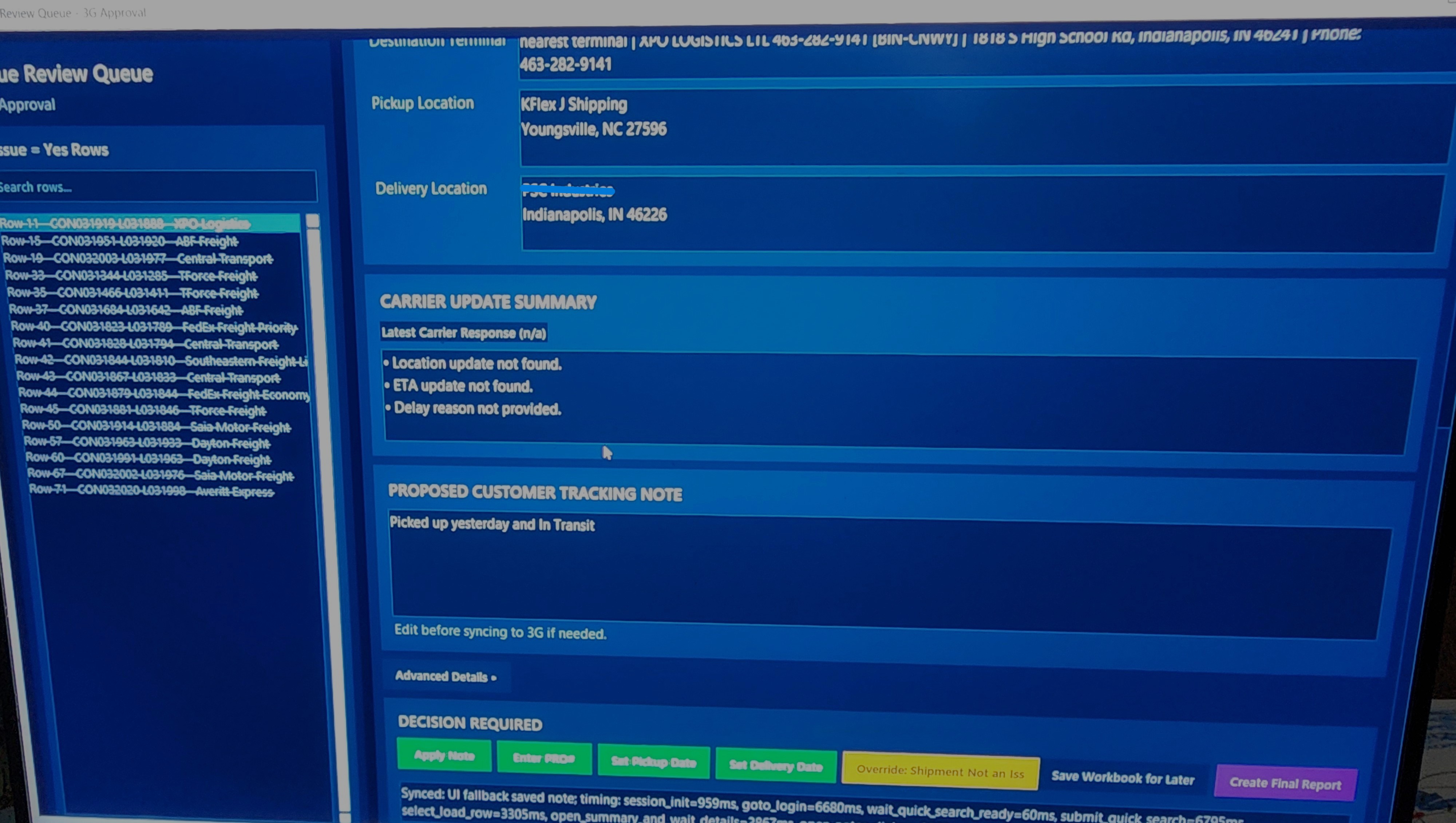
Tracking Note Automation
Operational screen for updating carrier notes, editing customer-facing messages, and moving records forward.
What this work demonstrates:
- AI-supported operations dashboards
- Workflow automation for logistics and data review
- Custom interfaces for tracking, parsing, and follow-up
- Visualization tools that turn data into decisions
Each project can be expanded with the business problem, the system you built, and the results it created for the team using it.